Connect the software your business already uses so information moves between systems reliably, without re-keying, spreadsheets in the middle or manual reconciliation.
Staff copy the same orders, customers or invoices from one system into another by hand.
Figures in the ecommerce platform, inventory system and accounts do not agree, and someone spends hours each week reconciling them.
A spreadsheet has quietly become the "integration" between two systems, and only one person understands it.
Managers cannot get a reliable, current view of operations without asking several teams for exports.
A new system was bought, but it was never properly connected to the systems around it.
What I deliver
Typical projects
Examples of the work this service covers. Most projects combine several.
Orders into inventory and accounts
Orders taken on a website, a marketplace or by a sales team flow into inventory and finance automatically, with stock and status flowing back.
ERP and business application integration
Your ERP exchanges suppliers, items, purchase orders and invoices with the other applications your teams use, through its API or a controlled file exchange.
Payment and finance reconciliation
Payment gateway transactions are matched to orders and invoices, and exceptions are flagged instead of found at month end.
CRM and operations
Customer and account data stays consistent between sales, service and operations systems, so each team works from the same record.
What systems integration means in practice
Most established businesses run on several applications: an ERP or accounting system, an ecommerce platform, an inventory or warehouse system, payment gateways, a CRM, and usually a set of spreadsheets that hold everything together. Each application may work well on its own. The cost appears in the gaps between them, where people re-enter data, check one report against another and chase information across departments.
Systems integration closes those gaps. Information entered once flows to the systems that need it, in the right format, at the right time, with clear rules for what happens when something does not match.
Integration is not always the answer
Sometimes the right recommendation is to simplify a process, retire a system or change how a team works rather than to connect everything. I will tell you when an integration is unlikely to pay for itself.
How it works
How I approach an integration
Integration work goes wrong when it starts with technology instead of the business process. I start by understanding how information actually moves today, who depends on it, and where errors or delays cost the business money or time.
Map the current flowWhich systems hold which data, who enters it, where it is copied, and where it goes wrong.
Decide the source of truthFor each type of record (customers, items, stock, orders, invoices) agree which system owns it and which systems only read it.
Assess each system's interfacesAPIs, webhooks, export formats, limits and authentication, verified against documentation and test environments rather than assumed.
Design for failureRetries, duplicate prevention, validation, logging and a clear way for a person to resolve exceptions.
Build and test in stagesOne flow at a time, tested with realistic data before it touches live operations.
Hand over and supportDocumentation of what runs where, how to monitor it and what to do when something needs attention.
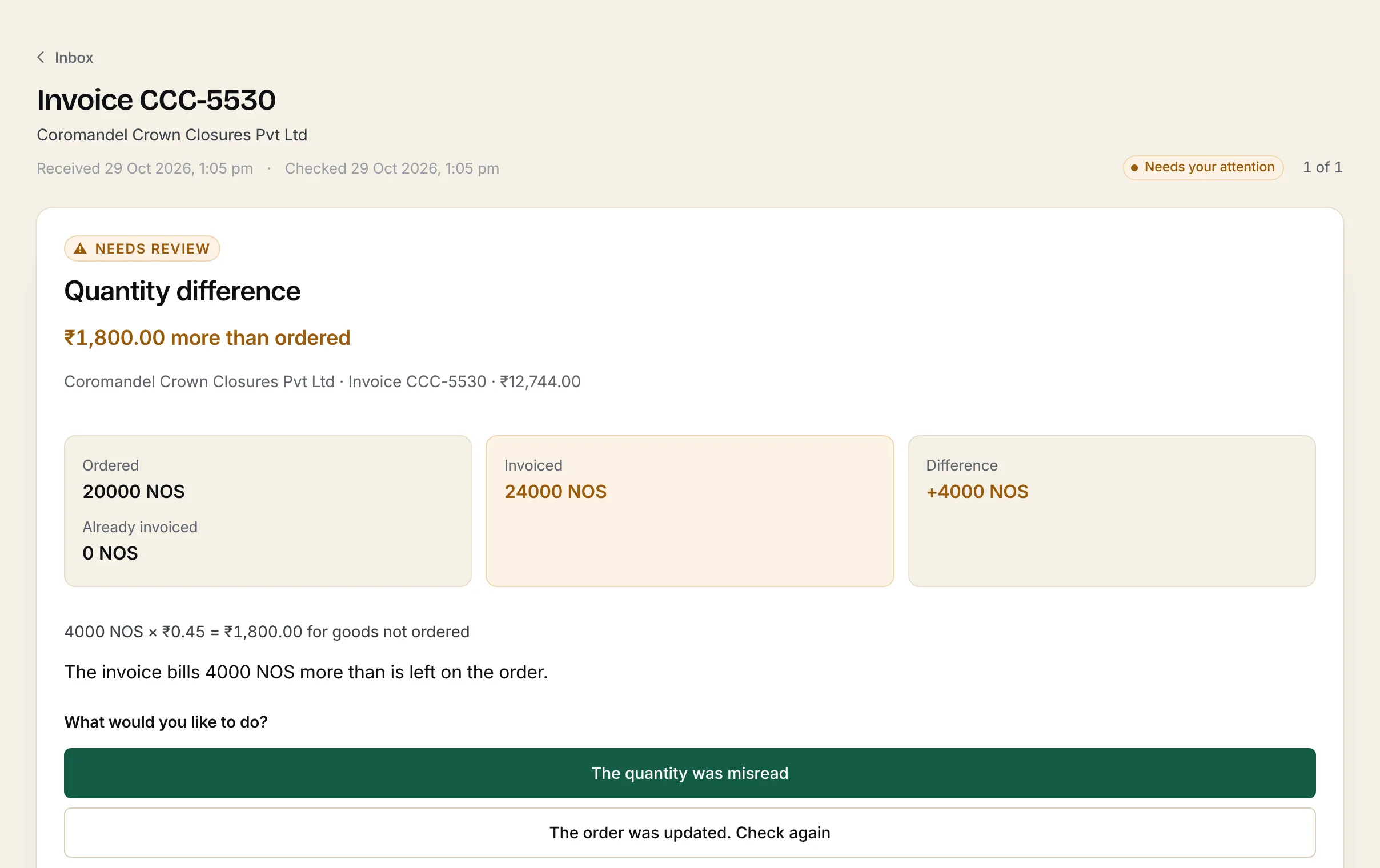
My own product for verifying supplier invoices. It reads invoices, checks them against purchase orders, goods receipts and supplier records, and asks a person when something does not match.
A provider-side platform built for iDine to deliver and manage services for iDine's clients, covering customer accounts, departments, teams, categories and issue routing.
A WordPress website revamp for a fruit distribution business in the UAE, with planned and in-progress integration across ecommerce, inventory, ordering and payments.
Read the case study →
FAQ
Common questions
Do I need to know which APIs my systems have before we talk?
No. Tell me which systems you use and what work is being done by hand between them. Finding out what each system can exchange (an API, webhooks, file exports or database access) is part of the discovery work.
What if one of our systems has no API?
Many older or local systems do not. The options then include scheduled file exchange, the system's import and export tools, or, where appropriate and permitted, a controlled read from its database. Each has different reliability and maintenance costs, and I will explain them before anything is built.
Will an integration replace our existing software?
Usually not. The aim is normally to make the systems you already rely on work together. Replacing a system is only recommended when connecting it would cost more or work worse than changing it.
What happens when an integration fails?
A well-built integration expects failures, such as a system being offline or a record being rejected. It retries safely, never creates duplicates, and tells a person when something needs attention. That behaviour is designed and tested, not left to chance.
Installing the PayTabs plugin takes minutes. Order statuses, payment notifications, refunds and reconciliation take planning. A guide for UAE and GCC businesses.
A systems-focused guide to ZATCA Phase 2 e-invoicing in Saudi Arabia: integration waves, the Fatoora platform, clearance and reporting, and how to prepare your ERP.
What the GST InvoiceNow requirement means for Singapore businesses: who is affected and when, how it works over Peppol, and how to prepare your accounting system.
Tell me what is slowing your team down and which systems you use today. You do not need a technical specification: describing the problem is enough to start.